ETL, what? Why?
The absolute basics of ETL (extract, transform, load), with a small worked example of loading a CSV file through staging into a target table.
 Shantoie Vorster · 4 min read
Software development is filled with fun little badly named programs, intimidating terms and big scary acronyms. One such acronym that you are sure to come across (especially if you work in the data space) is ETL. Extract Transform Load.
So what exactly is this ETL and why should you know about it? Good question. ETL is a principle used in data loading (commonly practised in data warehouses, but available in many stores that sell databases, batteries not included). It literally describes the process of how data is extracted from a data source, transformed to be according to what is required, and loaded into the new storage system.
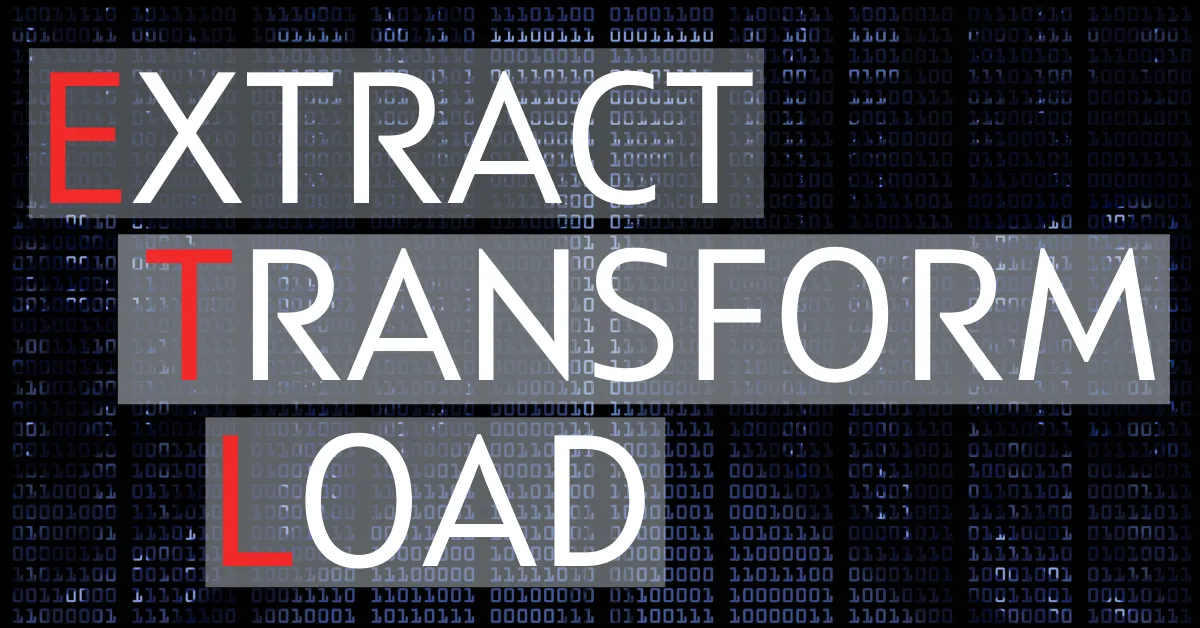
Let’s quickly look at the core components of ETL
E – Extract: Data is extracted from a data source, such as a physical file, API or database
T – Transform: Data is transformed, meaning cleaned, altered to fit a requirement mould or literally transformed to fit the business requirements. (Important, data integrity should be held, transformation is usually to fit compliance)
L – Load: Load the data into the target, this will be a database, but can sometimes be something else
 The typical ETL process
ETL processes vary from company to company and even from environment (not cool but this happens). Most ETL’s in a traditional, corporate environment that uses the Microsoft stack, meaning Microsoft SQL Server for their data, will likely use SSIS (SQL Server Integration Services) to extract the data from a target source, that same company might use a view and/or stored procedure to transform the data and eventually load the data into the target data store. This of course depends on the design of the ETL process and what tools and technologies are available to the company/project. There are some low code tools that can also be used to speed up this process.
A quick example
Scenario: We receive a text file that contains daily data for apple sizes and weight that our client wants to see in a dashboard (you know, really common things like average apple size per date, per field, those kinds of things, basics really)
Our file is a text file with fields separated by a comma (commonly referred to as a csv file) It looks like this:
Field,Size,Weight,Date
San Diego,21.9502,1.1617,2022-09-08
Baku,29.4406,11.166,2022-09-07
Chiang Mai,48.4816,39.2576,2022-09-08
Santa Cruz de la Sierra,33.5474,7.0147,2022-09-07
San Francisco,23.4505,15.4055,2022-09-07
Dallas,33.8562,34.8879,2022-09-07
Pristina,42.4775,33.172,2022-09-08
...
Let’s look at each part of the ETL process separately.
Extract
A process (piece of code such as a python script, c# app or what ever you are comfortable with, for me this will be an SSIS package) will extract the data and load it into our staging table appleStaging.AppleSizes. Important to note that the staging table will contain RAW data, what this means is there is no transformations done on the data here.
The data will look something like this:
| Field | Size | Weight | Date |
|---|---|---|---|
| San Diego | 21.9502 | 1.1617 | 2022-09-08 |
| Baku | 29.4406 | 11.166 | 2022-09-07 |
| Chiang Mai | 48.4816 | 39.2576 | 2022-09-08 |
| Santa Cruz de la Sierra | 33.5474 | 7.0147 | 2022-09-07 |
| San Francisco | 23.4505 | 15.4055 | 2022-09-07 |
| Dallas | 33.8562 | 34.8879 | 2022-09-07 |
| Pristina | 42.4775 | 33.172 | 2022-09-08 |
Transform

I will transform the data via a View (seems like a good idea idk). Lets say business needs the size to be up to 2 decimals, and the weight only up to one, and they only want to see a field code next to each field. In this case we will transform the size and weight fields to reflect that format. We will also have to add a new field (field code) that contains the field code. Where do we find this, well the answer is simple, hard code each field line in your code… duh (please don’t do this).
The field code will be stored in a separate mapping table that will be looked up via the field name, as an example San Diego will have field code SD001. Our transformed data will look something like this:
| Field | FieldCode | Size | Weight | Date |
|---|---|---|---|---|
| San Diego | SD001 | 21.95 | 1.2 | 2022-09-08 |
| Baku | B005 | 29.44 | 11.2 | 2022-09-07 |
| Chiang Mai | CM002 | 48.48 | 39.3 | 2022-09-08 |
| Santa Cruz de la Sierra | SC005 | 33.55 | 7.0 | 2022-09-07 |
| San Francisco | SF003 | 23.45 | 15.4 | 2022-09-07 |
| Dallas | D015 | 33.86 | 34.9 | 2022-09-07 |
| Pristina | P055 | 42.48 | 33.2 | 2022-09-08 |
Load
Finally, we need to load the data into the target data source, this is rather straight forward and is usually done via a stored procedure. Sometimes the Transform and Load will be done in the same stored procedure, depending on how complex the process needs to be.
That’s the basics, naturally ETL’s can be far more complex, or simple than this, it all depends on the project. Thank you for reading!
If you are looking for a cool use case h3xagn is working on a really neat project, read more over at their blog: Building an ETL pipeline from device to cloud (part 1) (h3xagn.com)